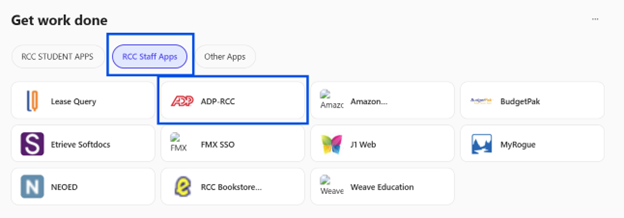
We’re excited to share that ADP Single Sign-On (SSO) is live and available through the Okta dashboard and Microsoft 365.
Employees can now access ADP using their RCC login. No separate ADP password is required. Simply select the ADP-RCC tile in Okta or M365 to get started.
What to Expect:
The first time you log in using SSO, you’ll complete a brief identity verification step. This is a one-time process to link your account securely. After that, access is seamless; just click, and you’re in.
This enhancement improves security and ease of access, making it faster and simpler to get where you need to go.
If you experience any issues, please contact IT.
Okta Dashboard:
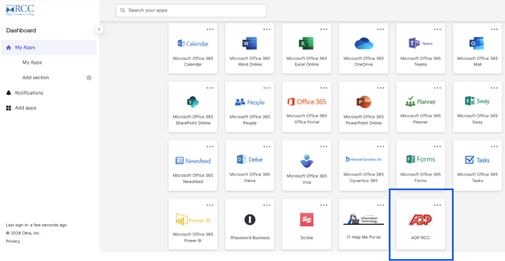
Microsoft 365 Dashboard: